Flow to Lottie
Exports Figma prototype flows as vector Lottie animations. Free on Figma Community.
- Role
- Design and plugin development
- Status
- Live
- Get it
- Figma Community
Why
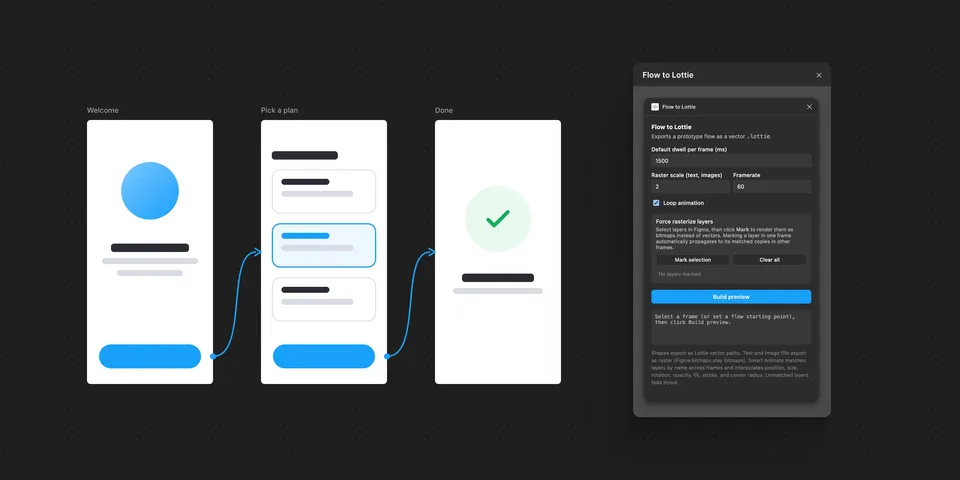
Most Lottie export plugins rasterize, and the best known one mainly feeds its own platform. Flow to Lottie takes the prototype flow you already built in Figma and exports it as vector Lottie, Smart Animate included.
How it works
It walks the flow frame by frame, from the selected frame or the flow’s starting point. Smart Animate transitions are interpolated: position, size, rotation, opacity, colors and path morphs. Clipping frames become nested precomps, and components and instances behave like frames. Anything that doesn’t convert cleanly can be marked to rasterize, and the mark carries over to matching copies. A preview with scrubbing shows the result before you export.
Under the hood, Figma’s fill and stroke geometry becomes Lottie Béziers, and strokes are exported as filled outlines so alignment, caps and dashes survive. The plugin writes the .lottie archive itself, CRC32 included. Gradients use their first color for now, and effects and masks aren’t converted.
- Price
- Free on Figma Community
- Formats
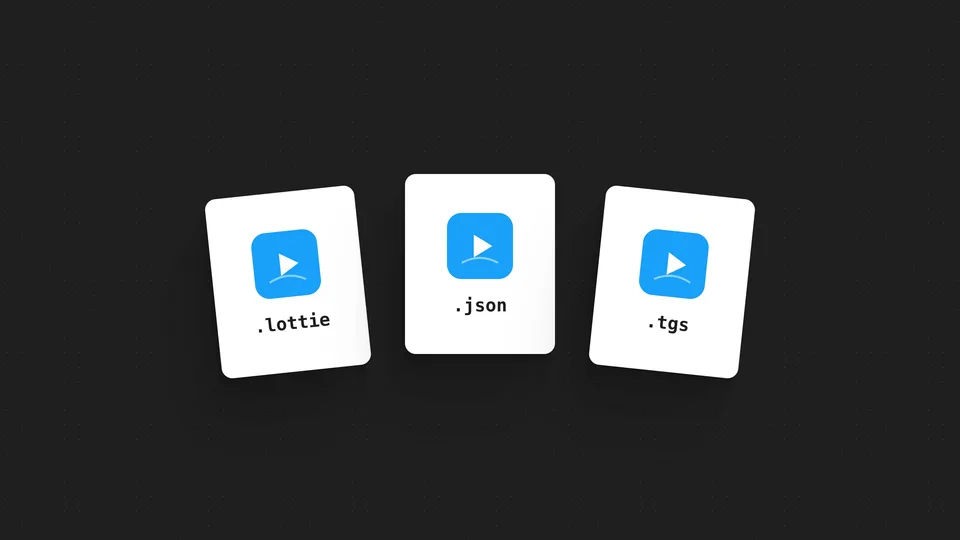
- .lottie, .json, .tgs
- Transitions
- Instant, Dissolve, Smart Animate, Move in, Push, Slide in
- Launched
- May 2026